NestliCare daycare app for iOS and Android
The daycare app that is free for everyone in your program
One app, three views. Parents open it to see their child's day. Teachers open it to record that day and talk to families. Owners open it to run the business: enrollment, staff, invoices, and payments. It costs $0 for all of them, with no per-child fee, and it is the same app on iPhone and Android.
· Screens shown are the current App Store build.


For parents
The day, as it happens
A parent gets the app from their daycare's invite and never pays for it. What they see:
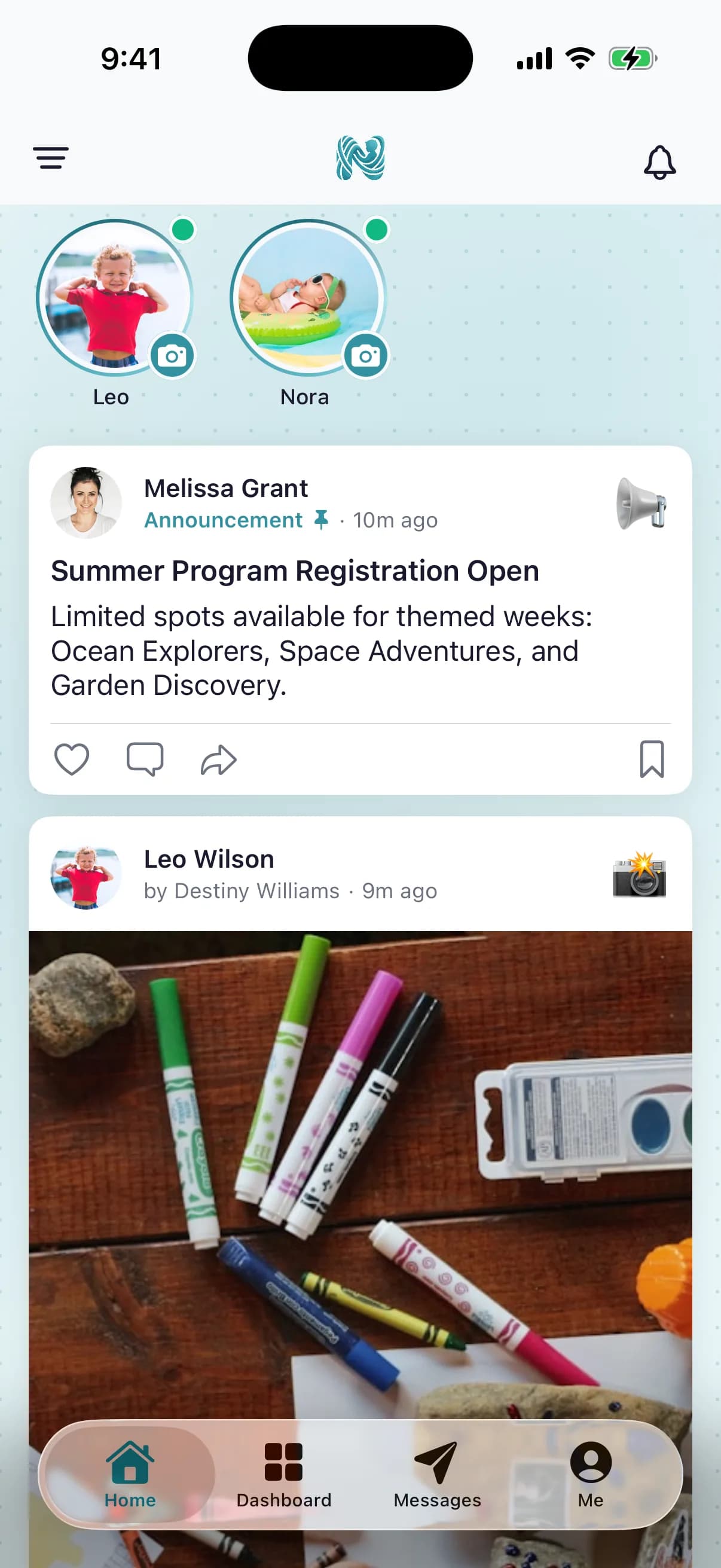
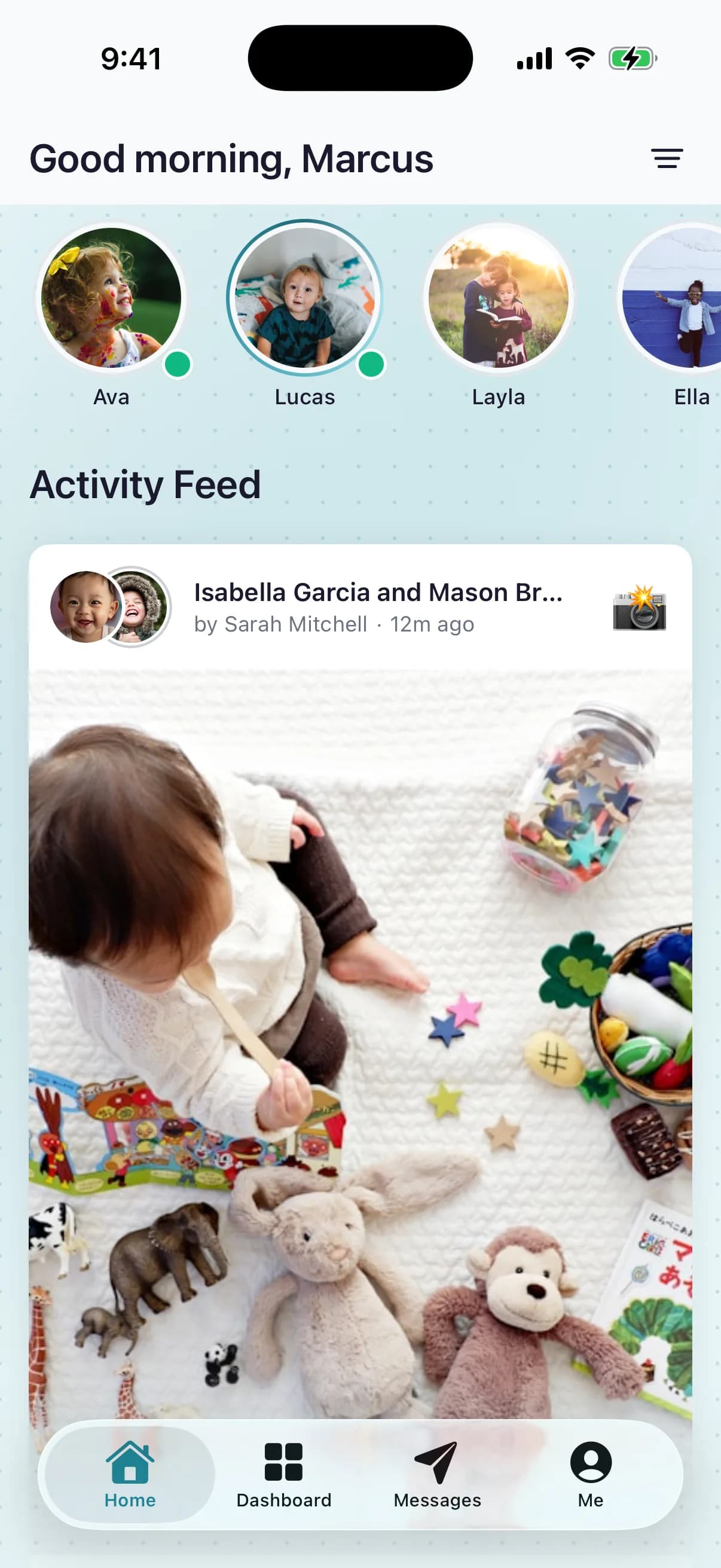
- The day as it happens: photos, meals, naps, diapers, and notes, in one feed
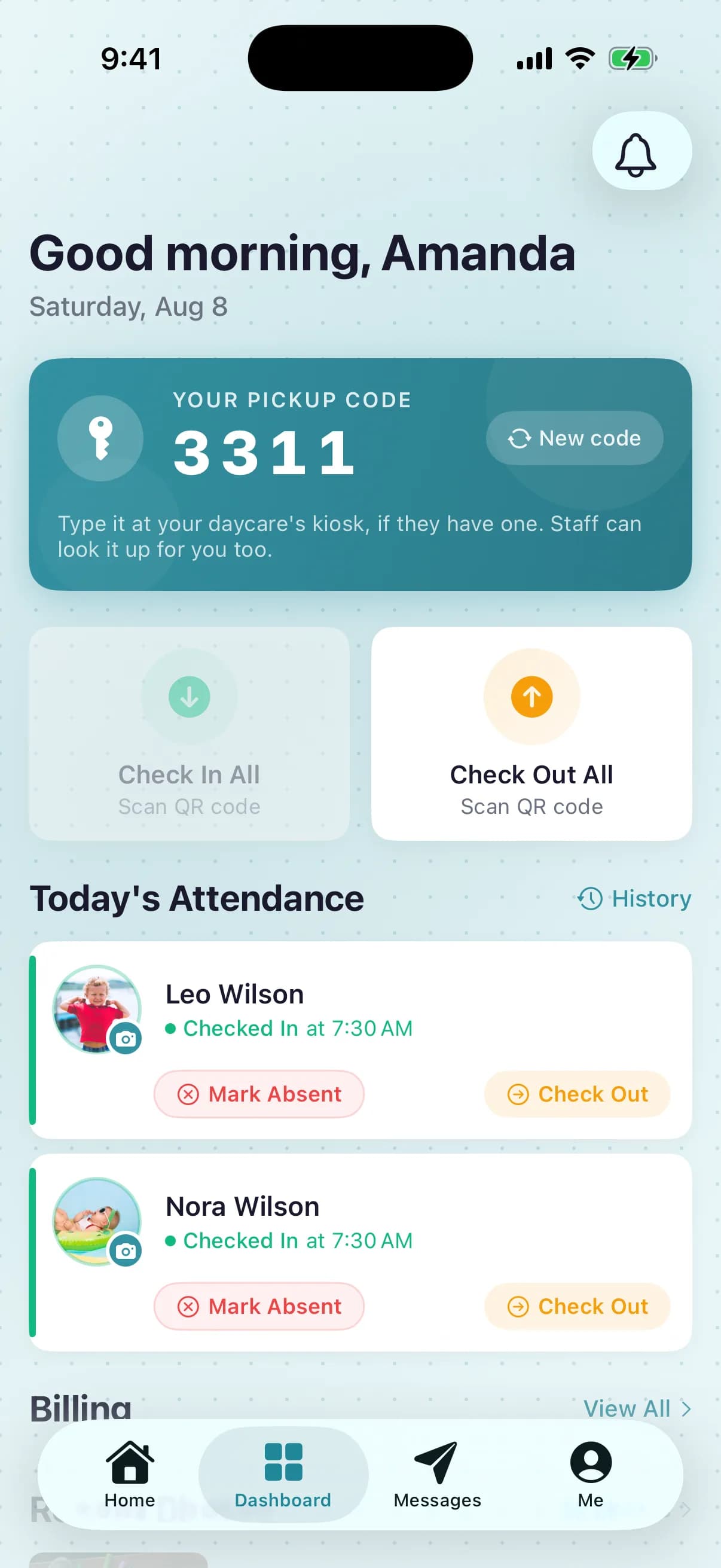
- A notification when their child is checked in and when they are picked up
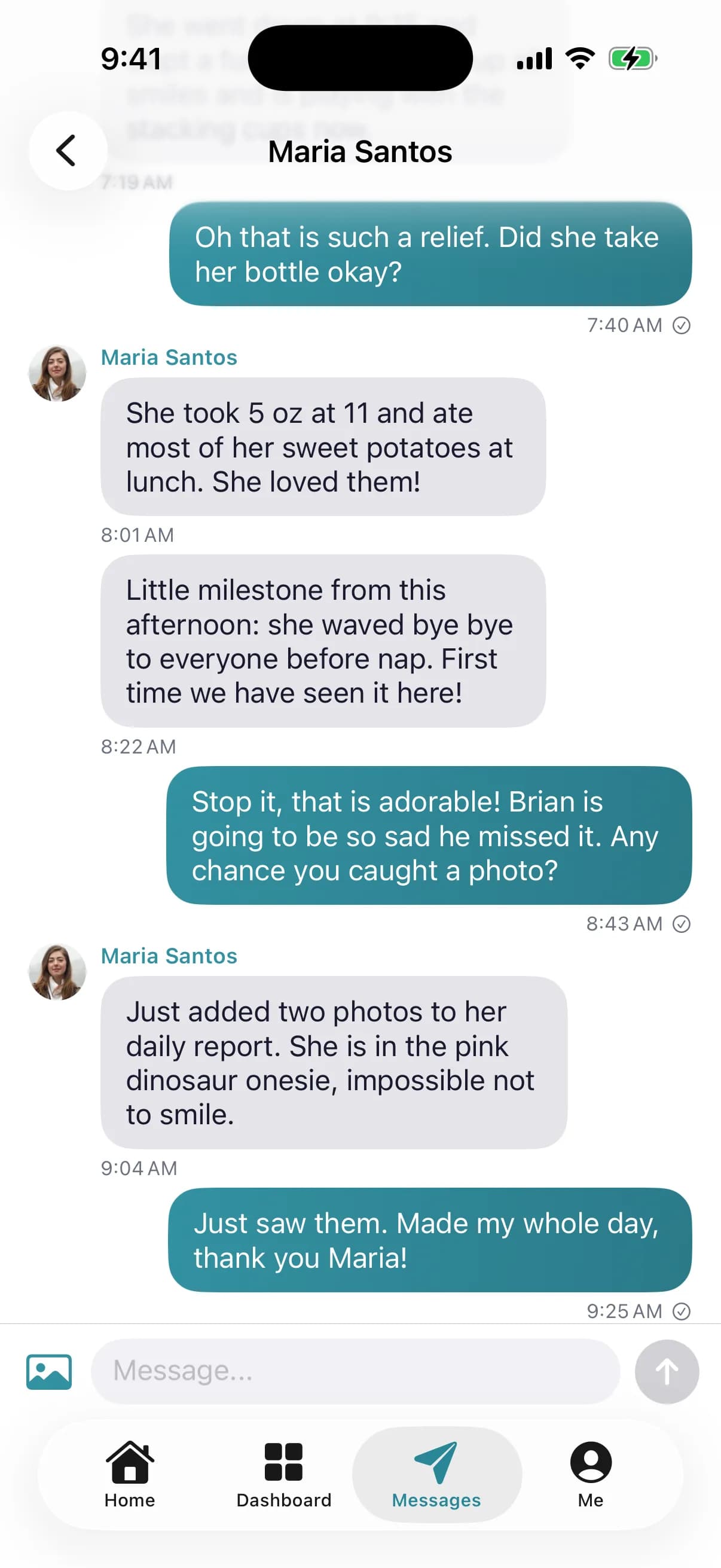
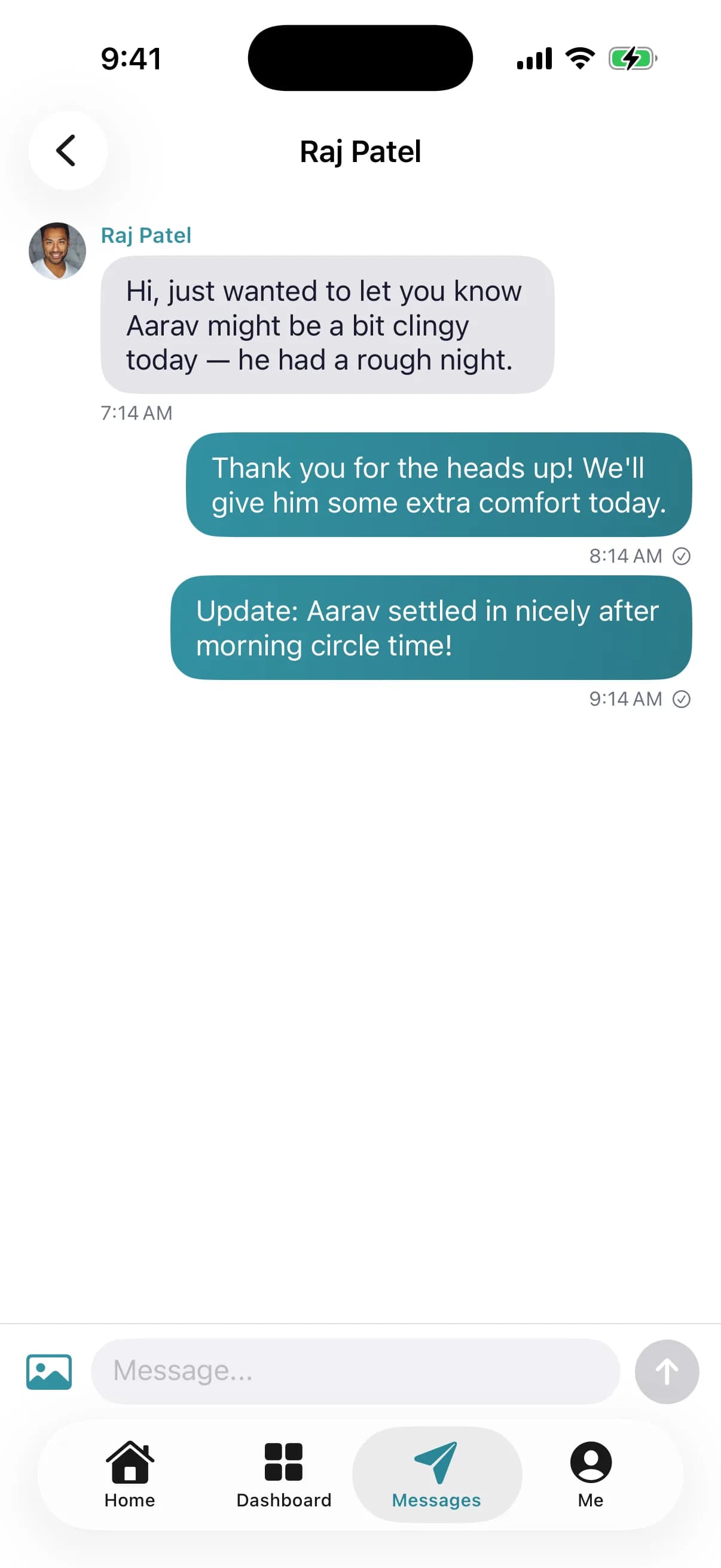
- Two-way messaging with the teacher and the office
- Invoices with online payment and autopay, and a receipt for every payment
- Documents to sign, pickup contacts, and the center calendar
For teachers and staff
Record the day without leaving the room
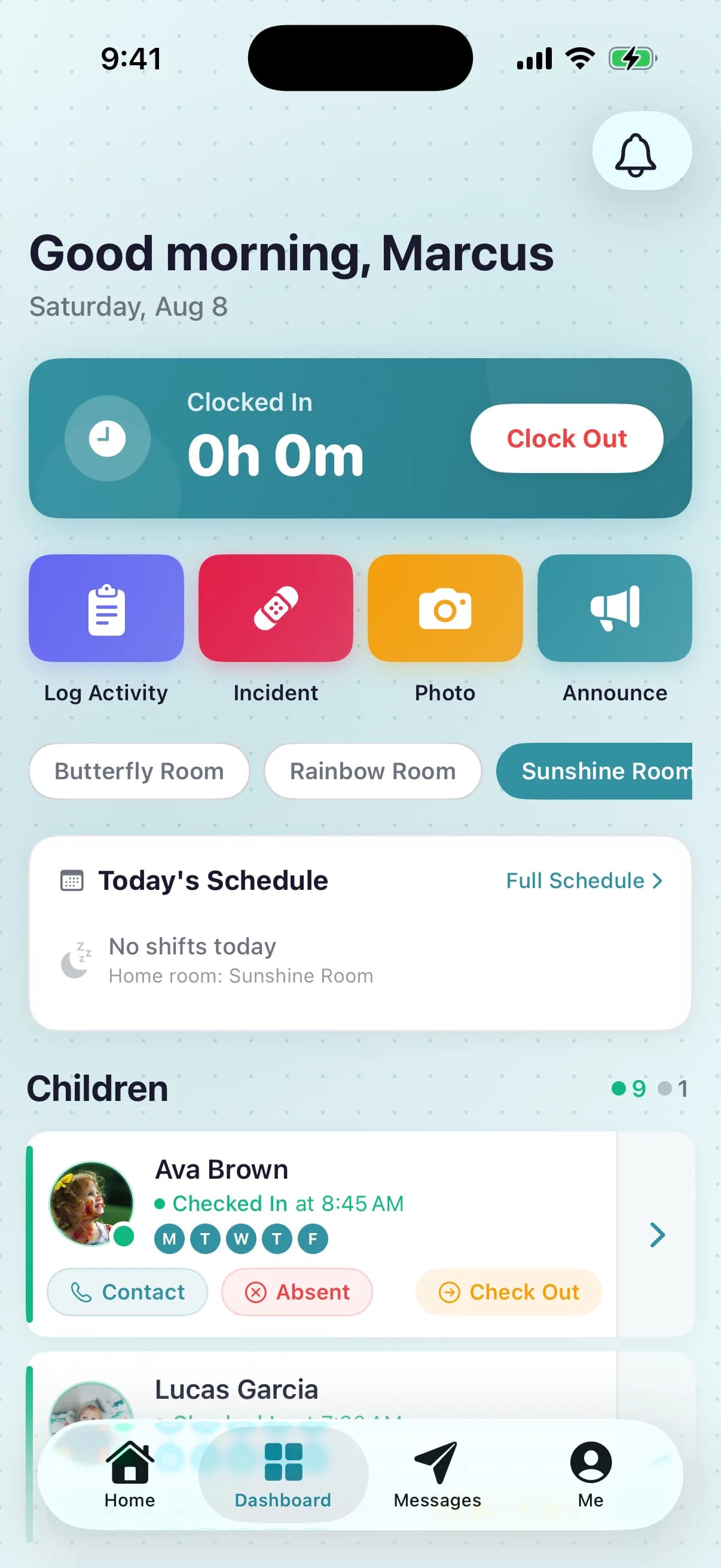
The teacher view is built for one hand and thirty seconds. What staff do from the phone:
- Check children in and out with a QR code, the kiosk, or a tap on the roster
- Log a meal, a nap, or a photo for the whole room in a couple of taps
- Message families without giving out a personal phone number
- Clock in, see the schedule, and see who is in the room right now
- File an incident report from the phone, with the photo attached
For owners and directors
Run the daycare from your pocket
The owner view carries the admin work that used to wait for the office computer. From the app you can:
- Add families and children, with enrollment and tuition
- Staff profiles, the schedule, timesheets, and time-off requests
- Invoices, payments, and payment reminders
- Ask NestliAI a question about your center and get an answer from your live data (United States and Canada, except Quebec)
- Home daycare? Create the account and set up the whole program from the app, no laptop required
The web dashboard at nestlicare.com is included at the same $0, and is the better screen for month-end billing, reports, and settings. See everything it does on the free daycare software overview.
What it costs
$0
The app, for parents
Nothing to buy, nothing to subscribe to.
$0
The app, for staff and owners
Unlimited children, unlimited staff, every feature. No paid plan for daycares.
2.9% + 50¢
Only on online tuition payments
Card rate in the US; bank transfer is 1% capped at $6. The parent pays it by default. This is how NestliCare makes money.
The full fee schedule, including other countries, is on the pricing page, and the reasoning is on how we make money.
Answered plainly
- Is the NestliCare daycare app free?
- Yes, for everyone. Owners, teachers, and parents all use the same free app, with unlimited children and staff and no per-child fee. The only cost to a daycare is the standard processing fee when a parent pays tuition online: 2.9% + $0.50 by card, or 1% capped at $6 by bank transfer in the US, paid by the parent by default.
- Which phones does it run on?
- iPhone and iPad on iOS 17 or later, and Android phones and tablets on Android 8.0 or later. Both apps are the same product; a family with one iPhone and one Android phone sees the same day.
- How do parents get the app?
- The daycare adds the family and sends an invite by email. The parent installs NestliCare from the App Store or Google Play, signs in, and sees their child right away. There is nothing for a parent to buy or subscribe to.
- Is it one app or separate apps for parents and staff?
- One app. It shows a parent view, a teacher view, or an owner view depending on who signs in. A teacher who is also a parent at the same daycare switches between the two without a second install.
- Can I run a home daycare from the app alone?
- Yes. You can create your account, add your families and children, set up tuition, check children in and out, and send the daily feed from the phone. The web dashboard is there when you want a bigger screen for reports and billing, but nothing requires it.
- Does the app handle check-in at the door?
- Yes. Parents can scan a QR code or enter a code at a kiosk, staff can check children in from the roster, and a signature can be required at check-in and pickup. Kiosk mode runs on an iPad or any web browser at the door.
- What about the web dashboard?
- Every NestliCare account includes the web dashboard at nestlicare.com for the same $0. Owners use both: the app for the day, the dashboard for month-end billing, reports, and settings.